

Why Battery Life and Performance Are Always Fighting Each Other
Here’s the core tension nobody really explains properly: your battery doesn’t degrade because you use it — it degrades because of how you use it, and those two things are completely different problems. Performance demands power. Power demands chemistry. Chemistry, pushed hard enough, breaks down. That’s it. That’s the whole fight.

Think about what’s actually happening inside a lithium cell when you’re running a processor at full tilt, streaming video, and keeping the screen at max brightness simultaneously. The ions shuttling between electrodes are moving fast — really fast — and that heat buildup is doing quiet, cumulative damage every single time. Manufacturers know this. It’s why Apple introduced their performance throttling system back when they did, and why every Android OEM worth anything now bakes in thermal limits. The battery is always the thing being sacrificed to keep the experience smooth.
Not ideal. Not obvious either.
And here’s where it gets counterintuitive — a battery sitting at 100% charge is actually under more stress than one sitting at 80%. High voltage states accelerate electrolyte breakdown, which is why the advice to “keep it topped up” is genuinely bad for long-term health. The same principle applies whether you’re looking at a high angle view mobile phone battery with usb cable by headphones white background 11zon scaled across a product listing, or staring at your own phone wondering why it barely lasts a day anymore.
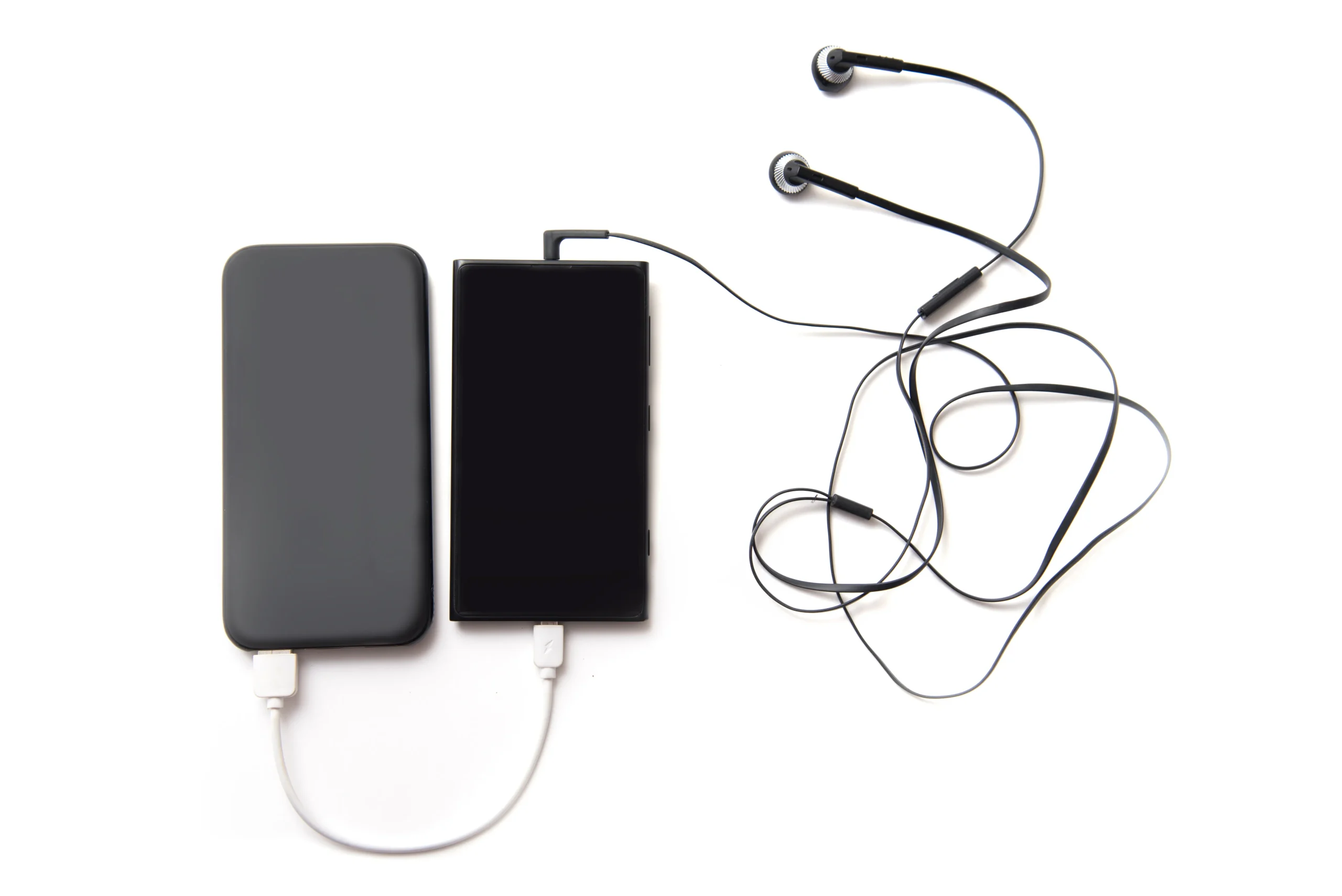
So the performance-versus-longevity trade-off isn’t just about screen-on time per charge. It’s about how many total charge cycles your battery survives before capacity drops below 80% — which is the threshold most manufacturers use to define “end of useful life.” Push performance hard, generate heat, charge to 100% constantly, and you’ll hit that threshold in 18 months instead of three or four years.
Batteries in off-grid setups — like when a portable solar panel is beach wooden log charges battery mobile phone use solar energy wild desert island watertight impervious waterproof 11zon 11zon scaled — actually demonstrate this principle cleanly. Slower, lower-voltage charging from solar input tends to be gentler on cells than a fast wall charger hammering at full amperage. Slower input, longer life. The chemistry doesn’t care about your convenience. (It never did.)
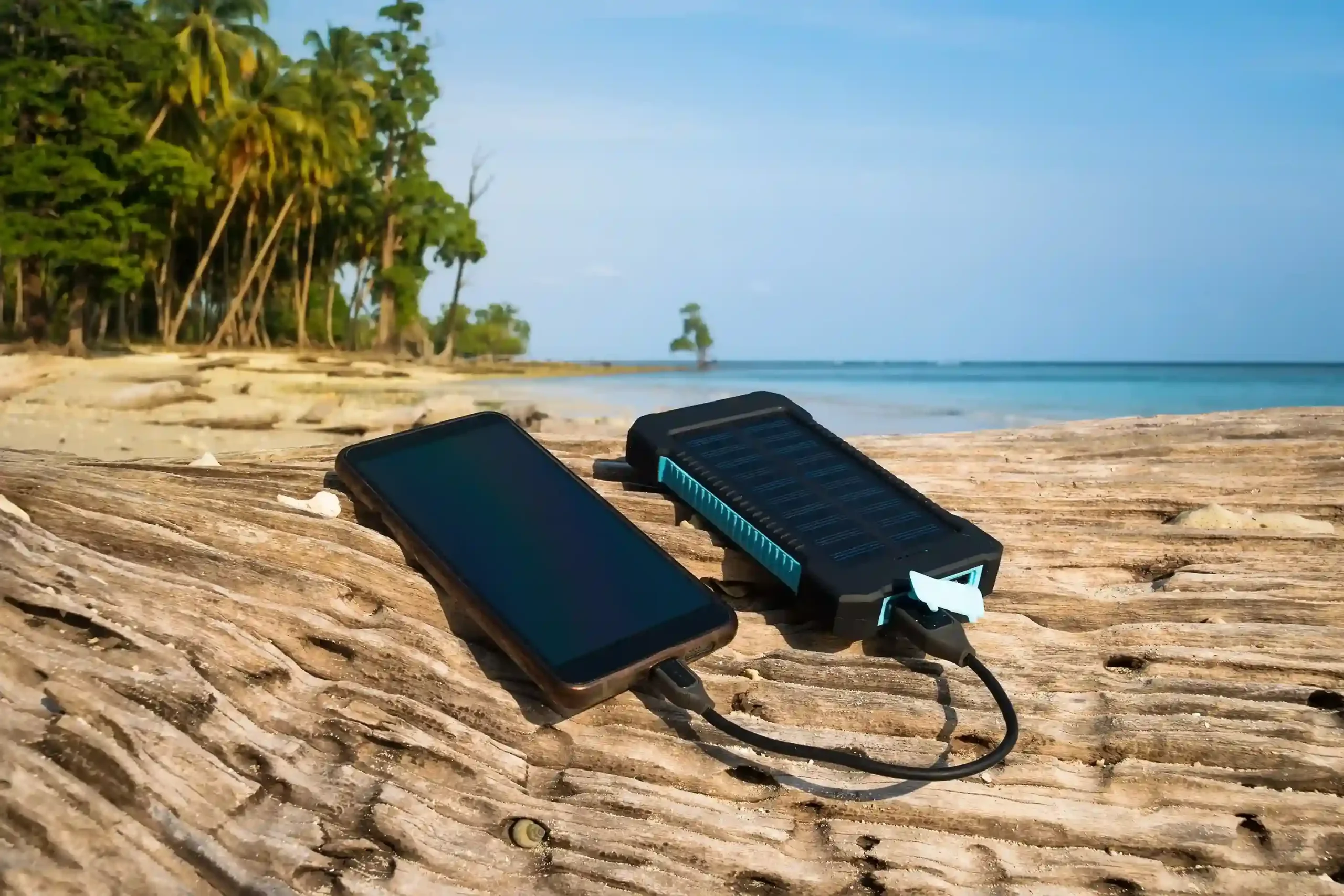
Understanding this tension is step one if you actually want to extend battery life in any meaningful way — not just squeeze an extra hour out of today, but protect capacity over years.
The Real Habits That Extend Battery Life Without Slowing Things Down
OK so here’s the thing most people get wrong — they treat battery care like a one-time setting they configure and forget, when really it’s a set of small, repeated decisions that compound over months. None of them are dramatic. None require you to buy anything.

Start with charge thresholds. Keeping your phone or laptop battery between roughly 20% and 80% is the single highest-impact habit, full stop. Most flagship Android phones now let you cap charging at 80% natively. iPhones have had optimized charging since iOS 13. Use it. The difference in long-term capacity retention is measurable — we’re talking 15–20% more usable capacity after 500 cycles compared to devices that charge to 100% every night.
Heat is the other silent killer. A phone sitting on a wireless charger inside a case, on a warm desk, in direct sun — that’s layering heat sources, and lithium cells genuinely hate it. Even something as mundane as leaving a device face-down on a surface that traps warmth matters over time. (This is also why the charging-from-a-portable-solar-panel-is-beach-wooden-log-charges-battery-mobile-phone-use-solar-energy-wild-desert-island-watertight-impervious-waterproof-11zon-11zon-scaled scenario from earlier is instructive — ambient temperature management isn’t optional.)
Discharge habits matter too. Letting a device hit 0% repeatedly stresses the cells at the low end of their voltage range. Not catastrophic once or twice. Chronic? Different story.
A few practical habits worth building:
- Charge overnight only if your device has adaptive or scheduled charging — otherwise pull it off the charger before bed.
- Remove thick cases during long charging sessions if the device runs warm.
- If a device is going into storage, park it near 50% charge, not full.
- Avoid fast-charging as your default — reserve it for when you actually need speed.
And honestly, the wp content you’ll find across manufacturer support pages backs this up consistently — the advice hasn’t changed much because the underlying electrochemistry hasn’t changed. Slow, cool, partial. That’s the pattern. Not exciting. But it works, and it’s the closest thing to a reliable strategy if you actually want to extend battery life across years rather than days.
Charging Smarter: How Voltage, Heat, and Cycles Actually Affect Battery Longevity
Voltage is the part most people skip over completely. Which is a shame, because it’s arguably more important than anything else when you’re trying to extend battery life over the long haul. Lithium cells — whether you’re looking at a phone, a laptop, or a portable solar panel is beach wooden log charges battery mobile phone use solar energy wild desert island watertight impervious waterproof 11zon 11zon scaled setup running off-grid — operate within a voltage window, and pushing them hard against either edge of that window is where the real damage happens. Charging to 100% repeatedly doesn’t just “fill” the cell; it holds it at peak voltage stress, which accelerates the breakdown of electrode materials at a chemical level.

Heat makes all of this worse. Fast.
There’s a reason battery engineers talk about temperature almost as much as voltage — the two are linked. A cell sitting at 40°C while charging degrades measurably faster than the same cell at 25°C, even at identical charge levels. So when you see a high angle view mobile phone battery with usb cable by headphones white background 11zon scaled product shot with the phone lying flat on a desk mid-charge, it looks clean and neutral, but in practice that flat surface with no airflow is exactly the wrong environment for a long charging session.
And then there are cycles. Not all cycles are equal — a “cycle” isn’t one charge from 0% to 100%. It’s cumulative. Drain 50%, recharge. Drain 50%, recharge. That’s one cycle across two sessions. Most lithium batteries are rated somewhere between 300 and 500 full cycles before capacity drops noticeably (some quality cells push past 800). Knowing this changes how you think about topping off constantly versus letting the battery actually work.
The wp content circulating across tech forums sometimes oversimplifies this into “don’t charge to 100%” — which is fine advice, but incomplete. The fuller picture involves keeping voltage moderate, temperature low, and partial cycles shallow. Suppliers like Polinovel who work on OEM battery specs at scale build these thermal and voltage tolerances into the cell design itself, which tells you how seriously the engineering side takes it. The rest of us are just working with whatever the manufacturer decided was acceptable.
Not a glamorous topic. Genuinely useful though.
Settings and Load Management That Protect Battery Life in High-Demand Situations
Load management is the part nobody talks about — and it’s probably costing you more cycle life than anything else you’re doing wrong. The idea is simple: your battery doesn’t care just about how much you charge it, it cares about how hard it’s working at any given moment.
High-drain scenarios are brutal. Running GPS, screen at full brightness, mobile data, and Bluetooth simultaneously isn’t just an inconvenience — it’s a sustained high-current draw that generates internal heat, and heat is what degrades electrode materials faster than almost anything else. So if you’re genuinely trying to extend battery life, the settings menu is your first stop, not the charger.
A few adjustments that actually move the needle:
- Drop screen brightness to 50-60% in normal conditions. Auto-brightness sounds smart but it spikes constantly.
- Turn off location services for apps that have zero reason to track you (yes, that weather app is running in the background right now).
- Switch to Wi-Fi over mobile data when stationary — the radio draw difference is real, especially in weak signal areas where the antenna is working overtime.
- Enable battery saver mode before you hit 30%, not 10%. By 10% the damage from deep discharge is already starting.
- Disable push email and set manual fetch instead. Sounds minor. Adds up over a full day.
The wp content conversations around “dark mode saves battery” are half-true — it only applies meaningfully to OLED screens, not LCD. Worth knowing before you redesign your whole phone around it.
Thermal load compounds everything. Picture something like a portable solar panel is beach wooden log charges battery mobile phone use solar energy wild desert island watertight impervious waterproof 11zon 11zon scaled type of scenario — outdoor charging in direct sun while the screen is on. That’s ambient heat plus charge heat plus screen heat stacking simultaneously. Not ideal. Keep the device shaded if you’re topping off outside.
And for anyone managing a fleet of devices or sourcing batteries at scale — the cell-level thermal tolerances baked in during OEM design (something suppliers like Polinovel handle on the spec side) matter enormously here. Consumer-side settings only do so much. The engineering headroom built into the cell itself sets the ceiling.
Practical. Unglamorous. Works.
Conclusion
Honestly, the whole how to extend battery life conversation keeps getting overcomplicated. Charge between 20–80%, keep it cool, kill the background apps that are quietly draining everything — that’s 80% of the battle right there. The rest is diminishing returns.
Cell quality is the ceiling. No setting or habit fully compensates for a battery built to loose tolerances in the first place.
So if you’re getting mediocre longevity even after dialing in your habits, that’s your signal — the problem isn’t behavioral, it’s the hardware. Start there.
Frequently Asked Questions
Q: What’s the single most effective thing I can do to extend battery life?
A: Stop charging to 100% every night — that’s it. Keeping your charge window between 20% and 80% reduces the electrochemical stress on lithium cells more than any app, setting, or accessory ever will. Most flagship phones now have a built-in “optimized charging” mode that does this automatically, so there’s no excuse not to use it.
Q: How much does heat actually damage a battery?
A: More than most people realize. Sustained exposure above 35°C (95°F) accelerates lithium-ion degradation faster than almost any usage pattern — leaving your phone on a car dashboard in summer is genuinely one of the worst things you can do. Cold slows performance temporarily, but heat causes permanent capacity loss.
Q: How to extend battery life on a phone that’s already degraded?
A: Honestly, you can slow further degradation but you can’t reverse it — once capacity is gone, it’s gone. Drop your screen brightness, cut background app refresh, and tighten that charge window to 30–70% if you want to squeeze more time out of what’s left. At under 80% original capacity, a replacement battery (usually $20–$50 at a reputable repair shop) starts making more sense than habit adjustments.
Q: Why does my battery drain so fast even on standby?
A: Background apps are almost always the culprit — email clients, social platforms, and location services quietly burn through charge even when your screen is off. Check your battery usage breakdown in settings and you’ll usually find one or two offenders responsible for 30–40% of overnight drain. Kill their background permissions and the difference is immediate.
Q: Is it worth buying a battery case or power bank to extend battery life?
A: Power banks — absolutely, especially if you’re a heavy user away from outlets. Battery cases are more of a mixed bag; the good ones (Mophie, for example) are well-engineered, but cheap cases can actually stress the internal battery by delivering inconsistent voltage. A quality 10,000mAh power bank for around $30–$40 is almost always the smarter, safer choice.
Q: How long should a lithium battery last before needing replacement?
A: A well-made lithium-ion cell — the kind built to tight tolerances — should hold around 80% of its original capacity after 500 full charge cycles, which typically works out to two to three years of daily use. Budget devices with lower-grade cells can hit noticeable degradation well before that. The engineering quality baked into the cell at the factory sets that ceiling; no habit on your end changes it.
Q: How to extend battery life in extreme cold weather conditions?
A: Keep the device close to your body — seriously, an inner jacket pocket does more than any software setting when temps drop below 0°C. Cold thickens the electrolyte inside lithium cells, which tanks voltage and makes the battery read lower than it actually is. Capacity bounces back once the cell warms up, so the damage here is usually temporary rather than permanent.
Q: Can the quality of the battery itself affect how to extend battery life strategies?
A: Completely — and this part gets overlooked constantly. A battery built to loose manufacturing tolerances will degrade faster no matter what habits you adopt; the cell quality sets the ceiling, and consumer-side settings just work within whatever headroom the manufacturer left. Suppliers like Polinovel who build to tighter spec tolerances on the production side give end-users a much better baseline to work with. Good habits on a cheap cell will always underperform bad habits on a quality one.